
Whole rooms, built from real products.
The Rooms Configurator is an interactive 3D application inside ARkid Catalogue. It composes complete spaces from the brand-authorised product twins already in the Catalogue: a nursery, a POS footprint, a trade-show booth or a virtual studio set. Plan it, walk it, change it, then build it.
Four configurators, one set of twins.
The same engine and the same product data, set up for the spaces the category plans most: from a parent’s nursery to a brand’s booth at Kind + Jugend.
- Nursery
A complete nursery, before the first piece arrives.
For parents and the retailers advising them. Parents see their future nursery before they buy.
Nursery configurator - POS & shop-in-shop
The shop floor, planned in 3D.
For brand and retail teams. Several configurations, each shared with retailers as a link.
POS configurator - Trade-show booth
The stand, signed off before the build.
For trade-marketing and events teams.
Booth configurator - Virtual studio
A set around the product, without a studio booking.
For creative and content teams.
Studio configurator
The same product data, in every space.
From a parent’s nursery to the shop floor and a brand’s booth: one set of twins behind every configurator.
The nursery, before delivery day.
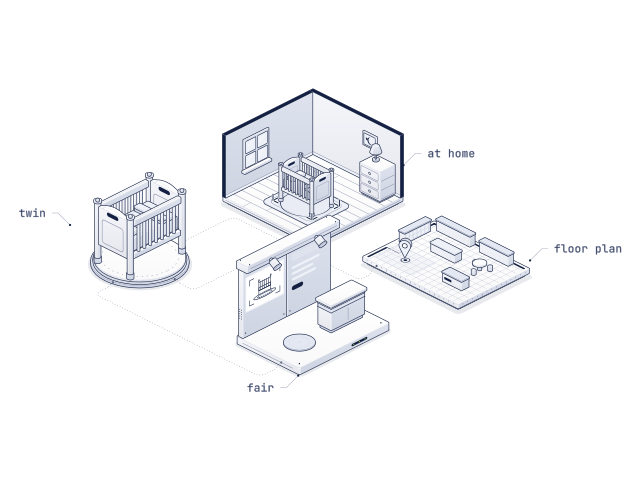
Parents, or the retailer advising them, build a complete nursery from authorised brand assets: cot, changing unit, wardrobe, the stroller parked by the door, the car seat in the corner, soft furnishings. Everything is laid out at true scale, checked in AR in the parents’ actual room and shared with family.
Parents see how their future nursery will look before anything is ordered, and choose its furniture with confidence instead of guesswork.
For retailers it turns a single-product sale into a room. For brands it is the natural bridge into the adjacent furniture category.
How it goes together, before the box arrives.
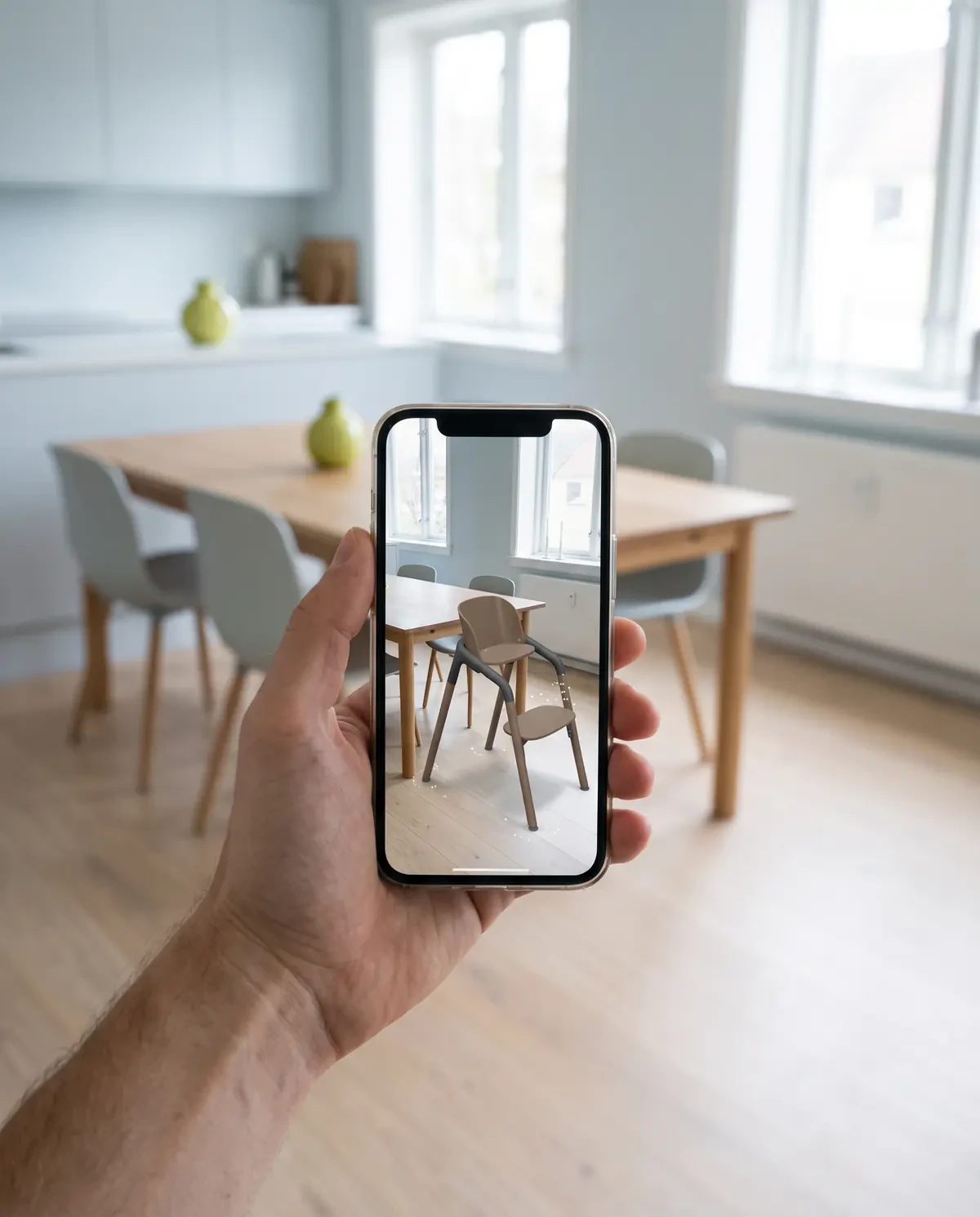
The same twin, animated step by step in a clean line-drawn style: here a high chair, part by part. Parents see the assembly before delivery day; retailers answer the question before it reaches the hotline.
Plan the install before anything moves.
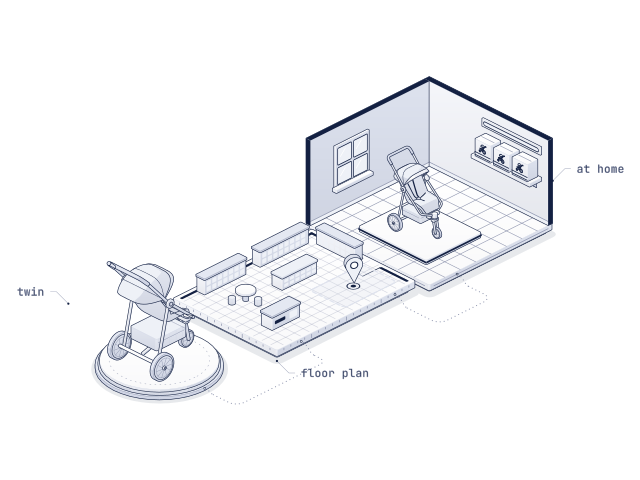
Brand and retail teams design shop-in-shop layouts inside multi-brand baby specialists and full POS footprints, with the products that will actually stand there. Try out placement, sightlines and assortment density in 3D, then sign the plan off with render outputs for facilities and category teams.
Brands can prepare several POS configurations and share each one with retailers as a URL. The retailer opens the link in the browser and walks the layout in 3D, with no files to send and no software to install.
The stand, walked before it is built.
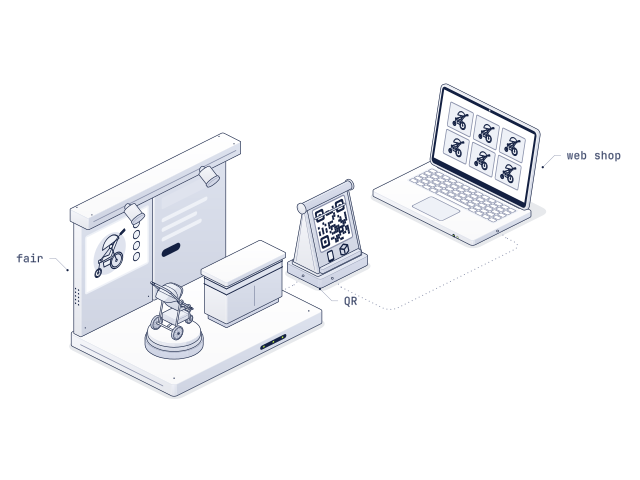
Configure the booth for Kind + Jugend, Harrogate, Babykid Spain + FIMI or ABC Kids Expo: platform, walls, screens, counters and the products on them. Decide which products earn floor space and which run on the touchscreens, and walk the stand with the team before the stand builder starts.
A studio set, no studio booking.
Build a virtual set around the product: backdrop, floor, set pieces and the products themselves, all at true scale. Content teams frame the scene for stills and video without shipping samples or booking a studio.
The set runs on the same twins as ARkid Creator, which turns them into pack shots, 360° videos and lifestyle scenes.
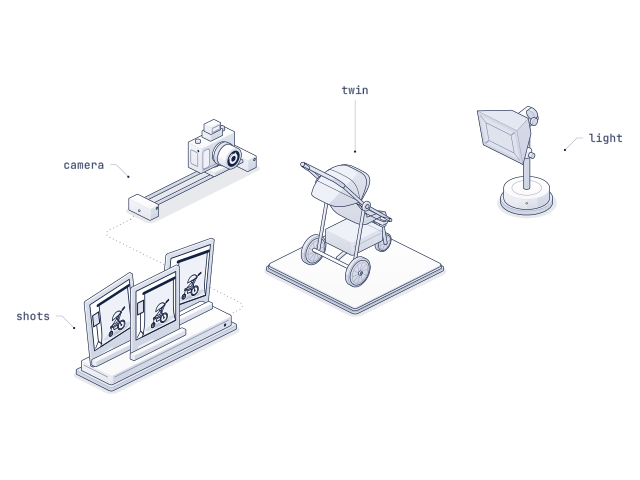
From empty space to signed-off plan.
A browser-based application inside the Catalogue interface. The products are already there; the room is what you add.
- 01 · Nursery · POS · booth · studio
Choose the space
Start from the configurator that fits the job and set up the room.
- 02 · From the Catalogue
Place real products
Drop in authorised 3D twins, move and turn them, switch colourways.
- 03 · Walk it
Iterate in 3D
Try out placement, sightlines and assortment density from every angle.
- 04 · Renders · links · AR
Share and sign off
Send the room to family, facilities or category teams and take the same plan into production.
Every room is built from real twins.
The objects in a room are the brands’ own 3D twins from the Catalogue, not placeholders: the ones on the product page, in AR and on the in-store touchscreen.
- Real products, not placeholders. Every object in a room is the brand-authorised 3D twin from the Catalogue: exact geometry, real materials, every colourway.
- What fits on screen fits in the room. Products keep their real dimensions, so placement, clearances and sightlines in the plan hold up on the floor.
- No install, on any device. The configurator runs on the web, on a laptop, a sales tablet or the parents’ phone. Nothing to download.
- The same twin, everywhere. The products in a room are the ones on the PDP, in AR and on the in-store touchscreen. When the brand updates a model, every room uses the update.
No twins yet? ARkid Studio builds them; rooms are composed from existing 3D twins.
- Strollers
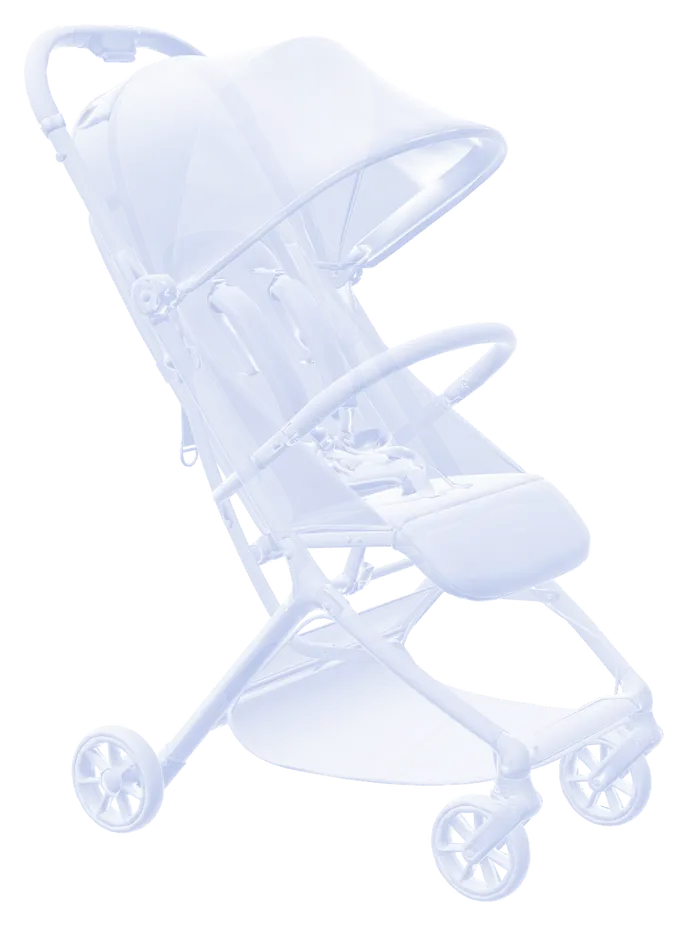 Every colourway
 - Car seats
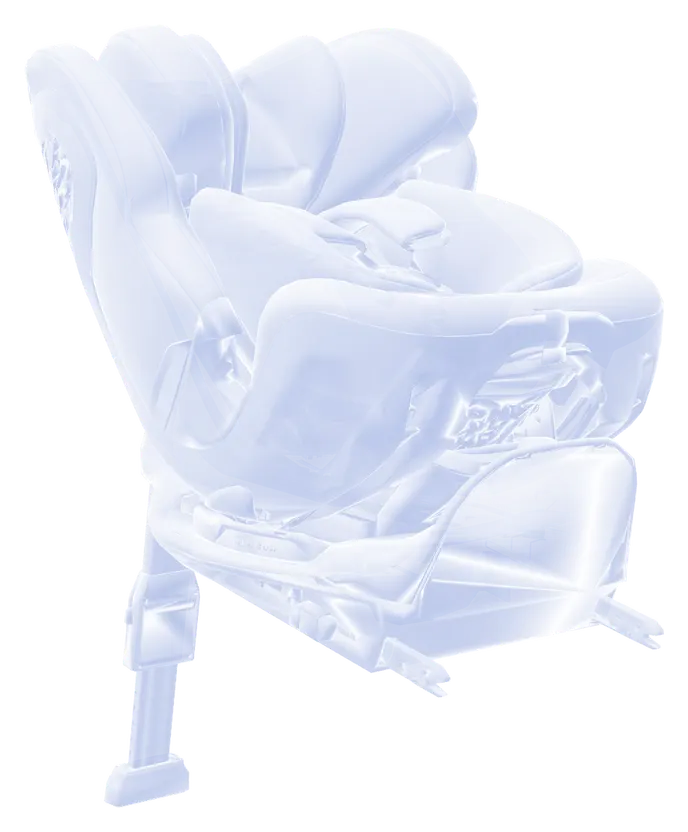 Real scale in the car
 - ARkid Catalogue
 Listed once by the brand, placed in every roomOne source for every configurator
 - Balance bikes
 Real scale in the room
 - Rocking horses
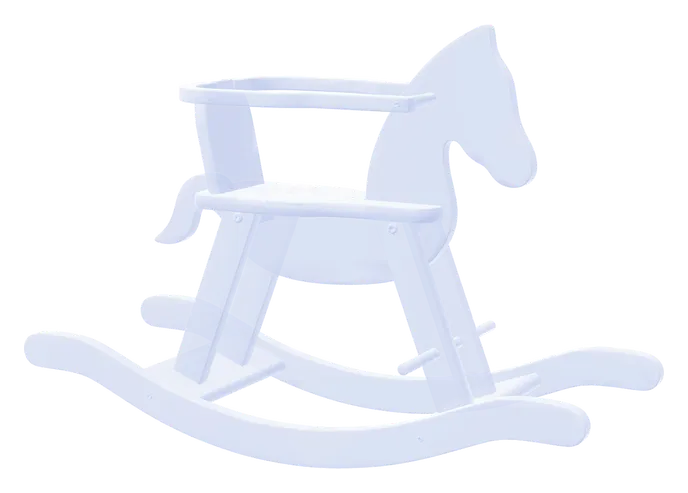 Every finish
 - Toys
 Every colourway
Signed off once. Current everywhere.
Bring a floor plan. We’ll fill the room.
Half an hour, your products, your space. We build a nursery, a shop floor, a booth or a studio set with you on screen.