
Thousands of combinations, one configurator.
Strollers and car seats are built from parts: frames, seats, carrycots, fabrics and accessories. ARkid builds configurators that show every valid combination in 3D & AR, know which parts fit together, and hand the result to the cart as the right products at the right price.
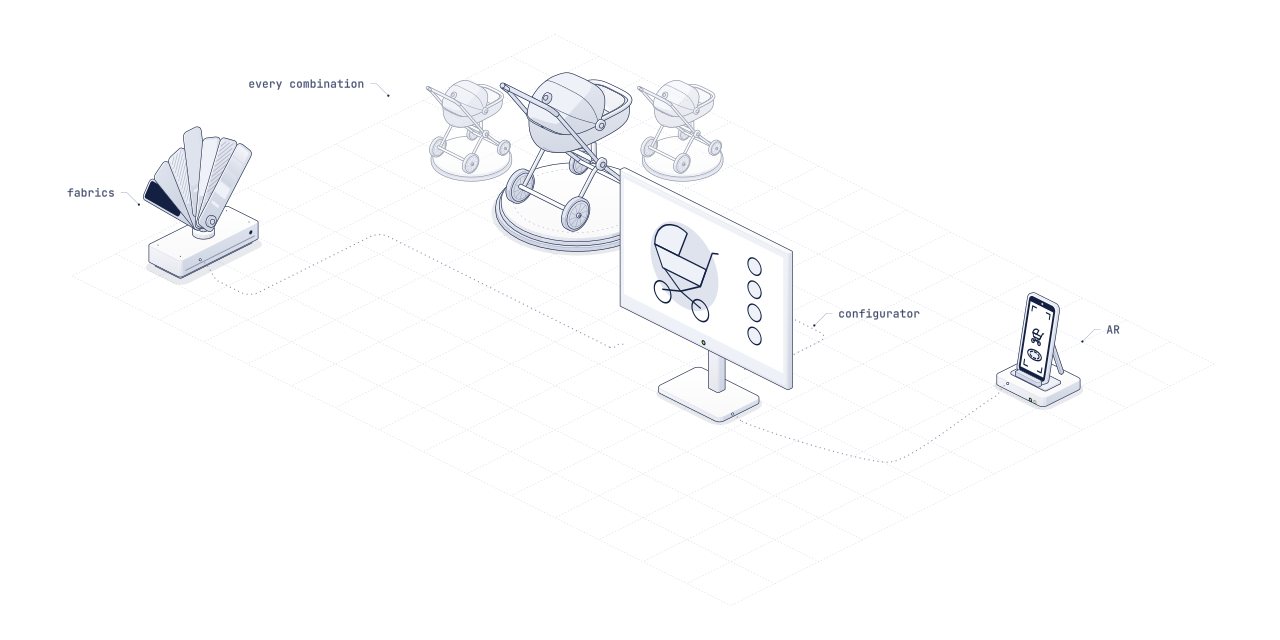
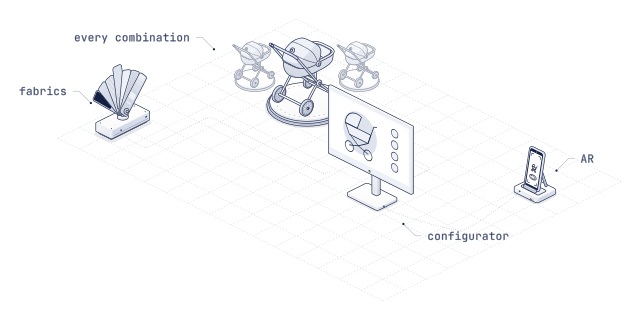
Over 4,000 combinations, all of them in 3D.
The Dubatti stroller configurator, built for Babypark: frame, seat, carrycot, fabrics and accessories, over 4,000 combinations in all. Put one together, turn it, and on a phone place it in your own room.
Complex products need more than a colour picker.
A configurator for a product with a handful of colours is a gallery. A configurator for a modular stroller is a rules engine with a 3D model on top.
- Combinations
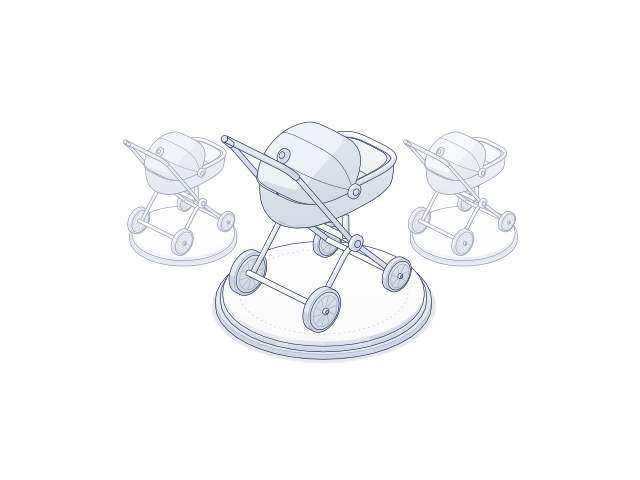
Too many to photograph
Frame, seat, carrycot, fabrics, handlebar, wheels, accessories: a few options per part multiply into thousands of finished products. No shoot covers them, and a gallery of twelve pictures shows almost none.
- Rules
Not every part fits every part
This carrycot only on that frame, this fabric not with that colour, an accessory only from a certain year. A configurator has to know the rules, or it sells a product that does not exist.
- Commerce
Every choice is a price and a SKU
What the parent puts together has to reach the cart as the right article numbers at the right price, in the shop system the retailer already runs.
Every combination, right the first time.
Built for the products that are hardest to show: many parts, many materials, and rules between them.
- 01
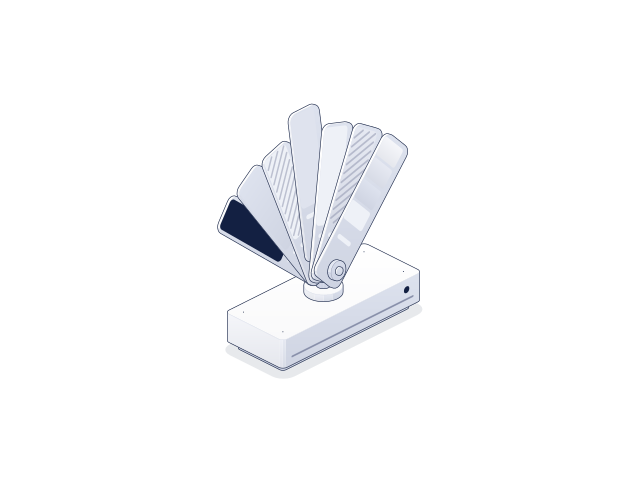
Every part, swapped live
Frames, seats, fabrics and accessories change on the 3D model as they are chosen, from every angle, in real time.
- 02
Rules built in
Only valid combinations can be built. Incompatible options are explained or switched off, so the configurator never shows a product that cannot ship.
- 03
Price and cart
Each combination maps to its SKUs and price, and “Add to cart” adds exactly what was configured.
- 04
AR of the exact build
The combination on screen opens in AR at real size, in the parent’s own home, with no app.
- 05
One embed, every channel
The same configurator runs on the brand site, on retailers’ product pages and on in-store touchscreens, served by ARkid Catalogue.
- 06
Insight per choice
Which frames, fabrics and accessories get chosen, per market and per retailer, measured instead of guessed.
From the parts list to every channel.
ARkid Studio builds the modular twin and the configurator; ARkid Catalogue serves it to every channel and keeps it up to date.
- 01 · Scoping
Options and rules
Every part, material and accessory, and the rules between them, mapped with your product team, together with SKUs and prices.
- 02 · ARkid Studio
A modular twin
Each part is modelled once and built to combine, so thousands of products come from a few dozen parts.
- 03 · Logic and look
The configurator
Rules, price and SKU mapping, styled to your brand or the retailer’s shop, tested combination by combination.
- 04 · ARkid Catalogue
Live everywhere
Embedded on product pages and touchscreens. New fabrics and parts are added centrally and appear in every channel.
Signed off once. Current everywhere.
A product with too many combinations to photograph?
Send us the options, the rules and the channels it has to run in. We come back with a scope.